AGENCY MAX
Free lessonSign inGet the Hub

From Lynam Up Media · 1B+ views · 100+ clients · $1M+ generated for clients

Everything we do to run an AI-powered agency. Written out step by step.

150 lessons. 3,675 steps you check off. 30 days, each with 100+ steps. Websites, proposals, graphics, video, SEO, AEO, dashboards, CRMs, automations, security and contracts, using Claude Code and the 13 Agency MAX skills.

Get lifetime access · $2,500Read a full lesson free

Price goes to $5,000 in

--days
--hours
--min
--sec

Secure checkout by Stripe. All sales final. Includes one 30-minute call with Jordan. No other calls or 1-on-1 help. License terms

150lessons
3,675checkable steps
349copy-paste prompts
72UI samples
23automation chapters
56templates
60showcase examples
273A-Z terms

See the level

The kind of work you learn to build

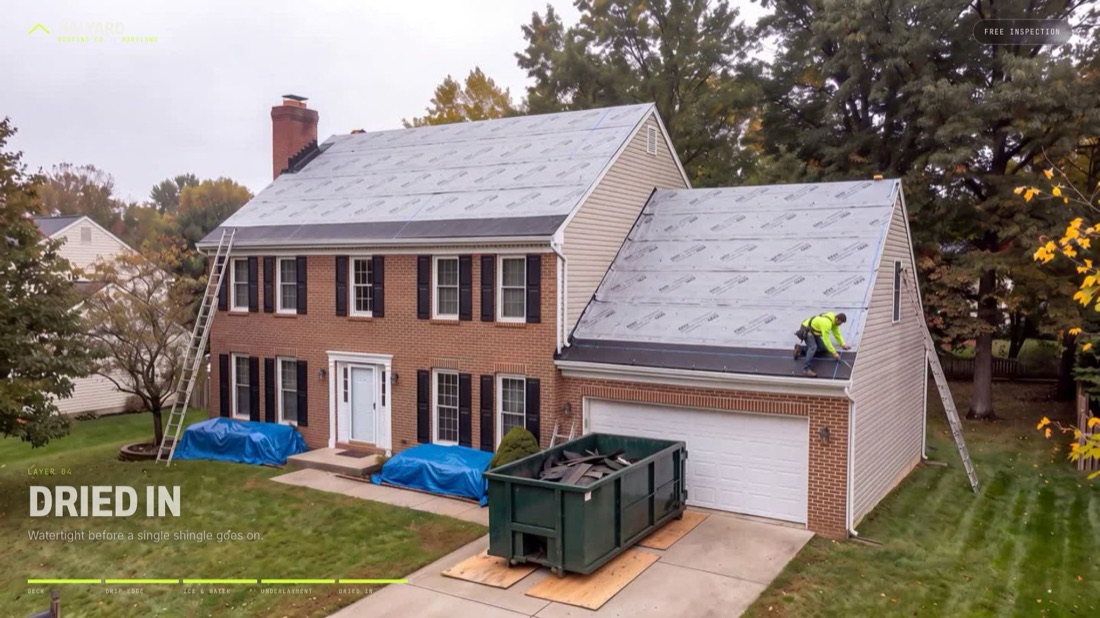
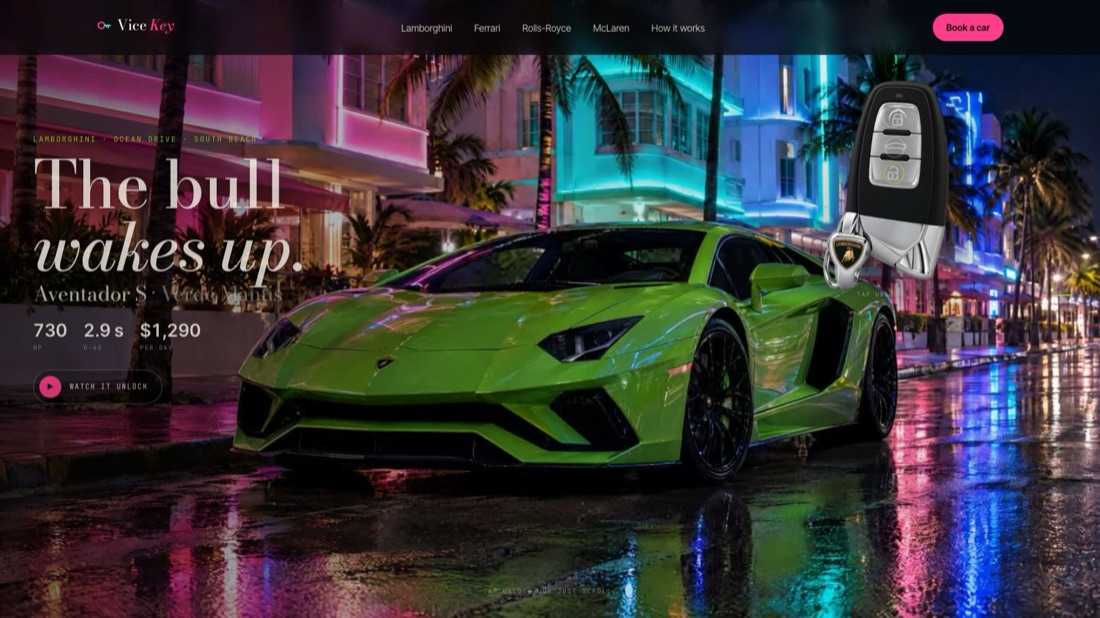
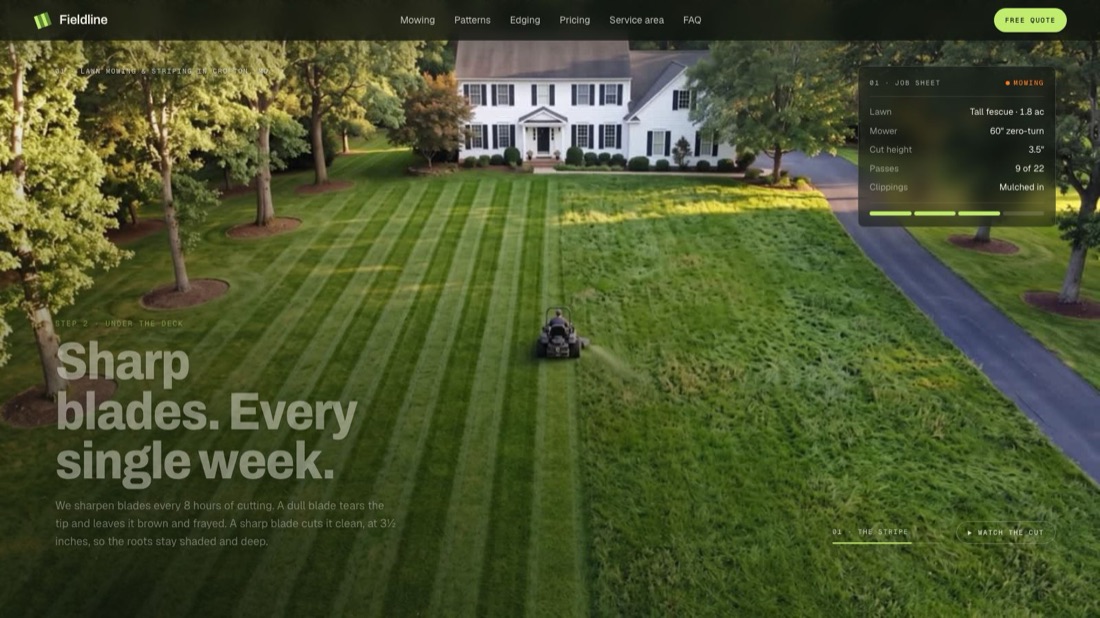
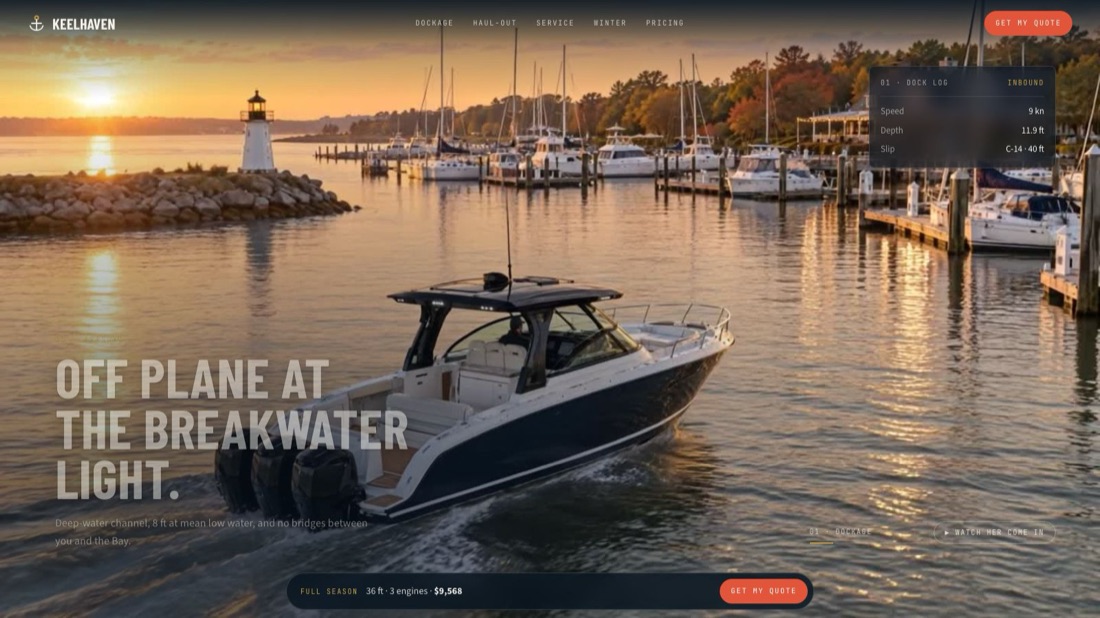
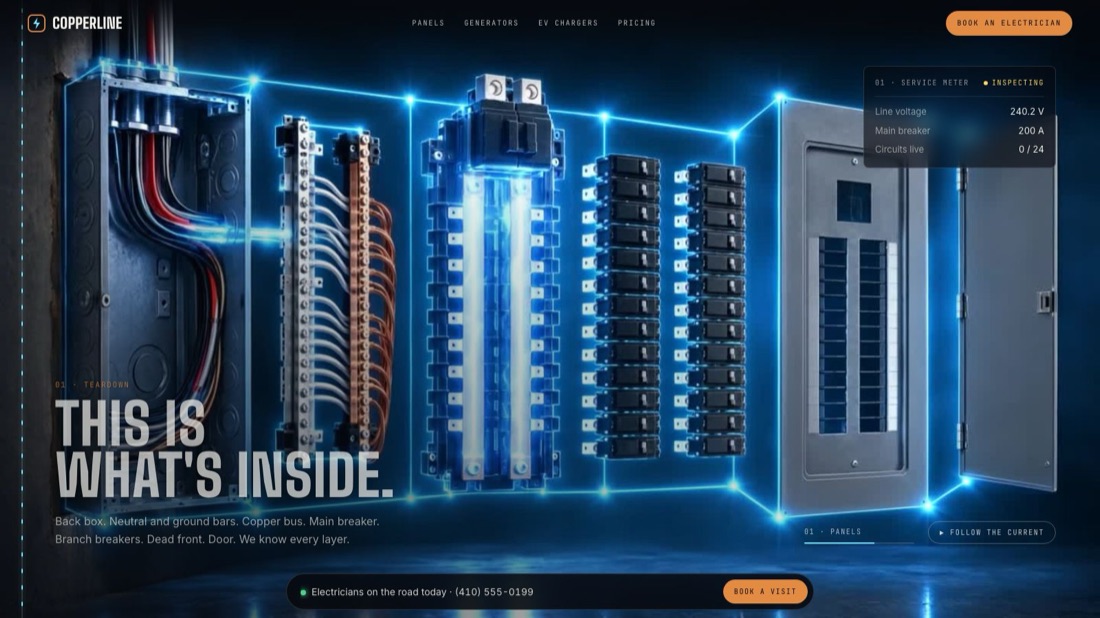
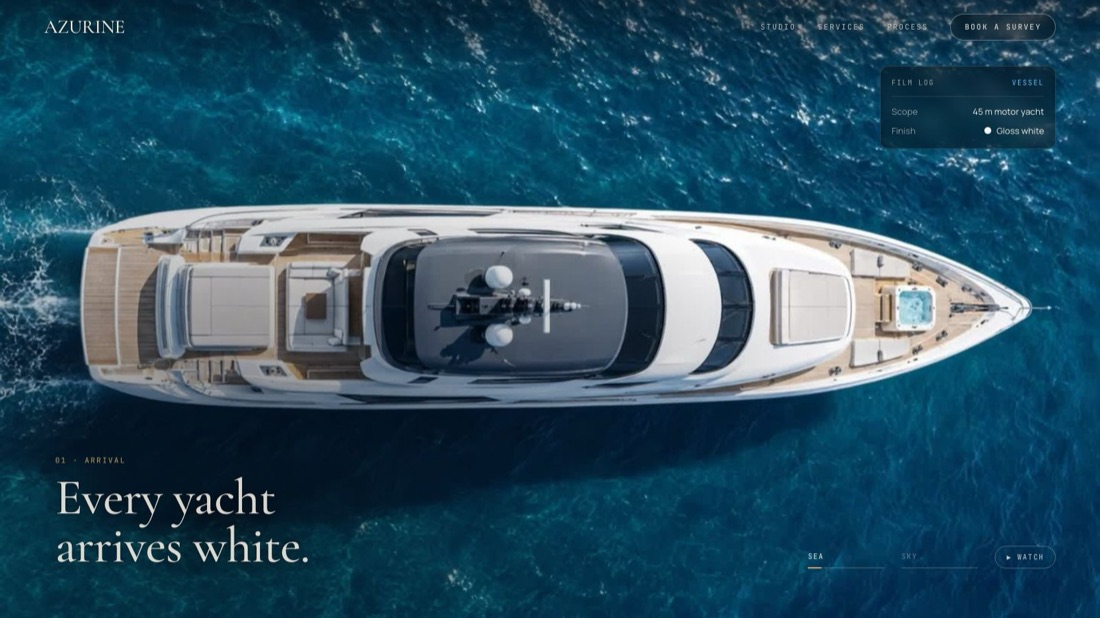
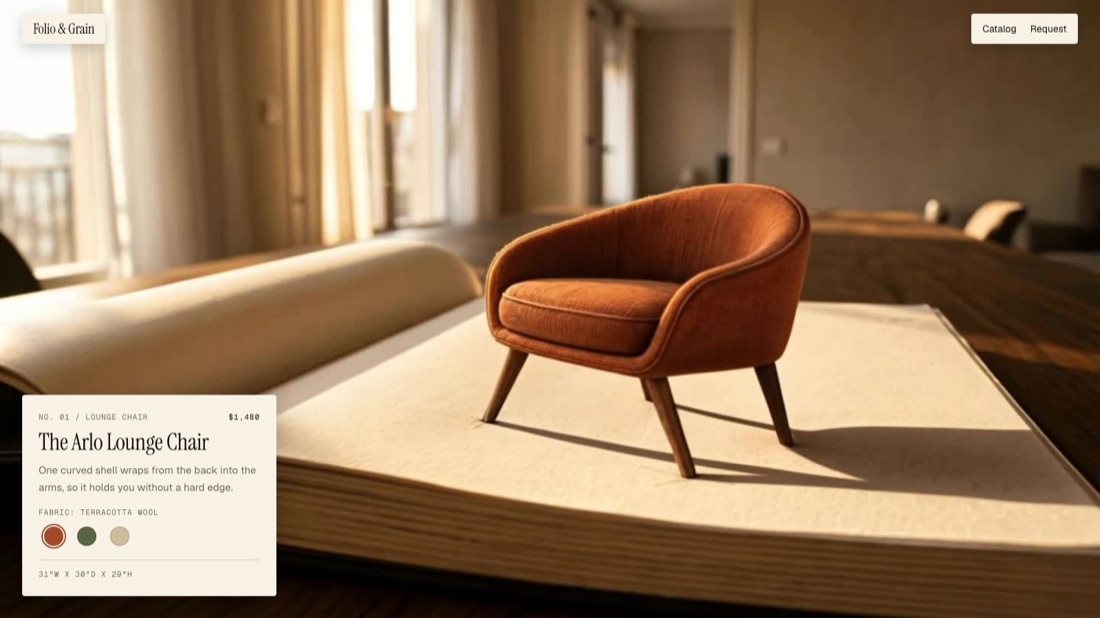
Demo sites Lynam Up built to win clients, broken down inside the Hub's Showcase with what to copy. Brands shown are fictional.
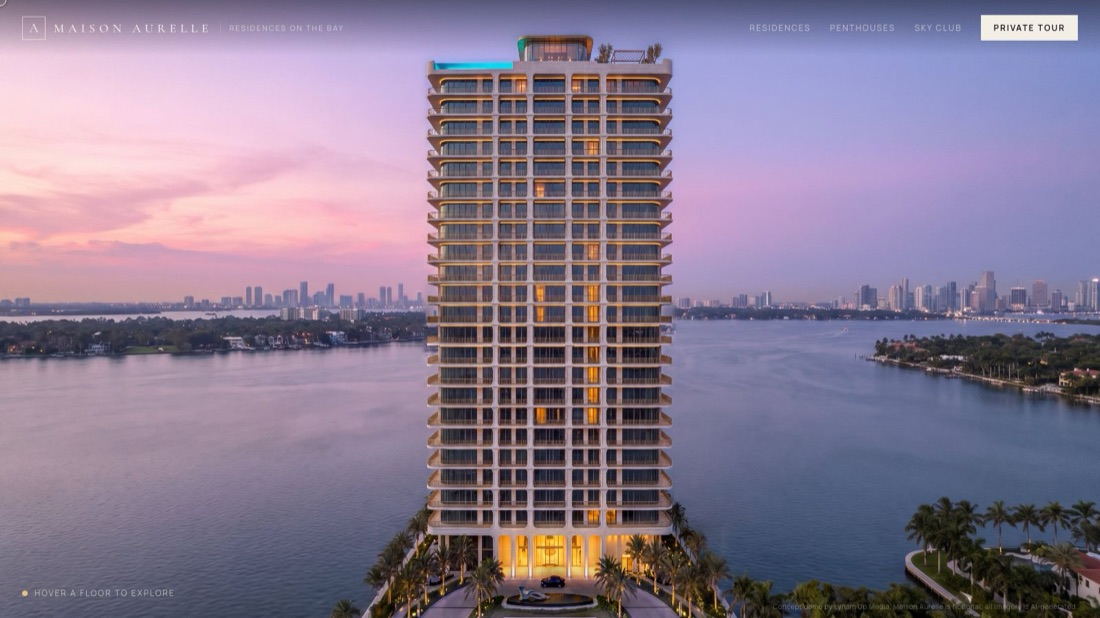
Maison Aurelle demo site
Maison AurelleLuxury residential tower
Folio & Grain demo site
Folio & GrainFurniture catalog
Halyard Roofing Co. demo site
Halyard Roofing Co.Roofing
Vice Key Exotics demo site
Vice Key ExoticsExotic car rental
Fieldline Lawn & Landscape demo site
Fieldline Lawn & LandscapeLawn care
Keelhaven Marina demo site
Keelhaven MarinaMarina
Copperline Electric Co. demo site
Copperline Electric Co.Electrician
Chesapeake Colors demo site
Chesapeake ColorsHoliday lighting
Azurine demo site
AzurineYacht and aviation wrap

Graphics and AI imagery

Plus the exact prompts behind images like these

The Hub shows the prompt, the model, the credit cost and a bad version next to the good one, so you can see what went wrong.


Luxury house hero still
Luxury house hero stillFictional brand
Headline and price edit
Headline and price editFictional brand
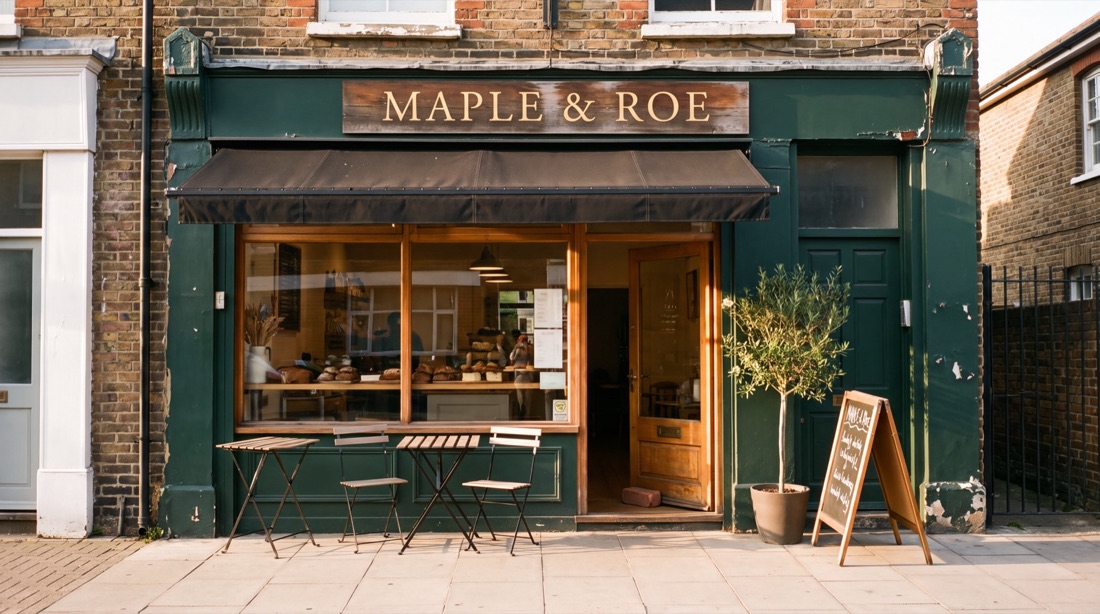
Maple & Roe storefront
Maple & Roe storefrontFictional brand

A to Z

What it teaches

Websites

Multi-page client sites, forms that reach you, phone-first QA.

Scroll sites

The smooth frame-scrub sites, from storyboard to a benchmark that proves it.

Hybrid proposals

A custom demo of their business and your proposal on one private page.

Contracts

Agreements, AI clauses, e-signatures, deposits, scope creep.

Graphics

Art direction, exact brand text on images, thumbnails, ad creatives, print.

AI images + video

Which model for which job, stopping drift, the reject gate.

Video editing

Long video into reels, captions, motion graphics, files that never glitch.

SEO + AEO

Local keywords, town pages, schema, and showing up in AI answers.

Custom dashboards

Client dashboards, real data, a MAX assistant and voice.

CRMs

When to build one, pipeline, inbox, moving clients off old systems.

Automations

Zapier, Make, n8n, webhooks, scheduled jobs, voice and SMS agents.

Security

Audits, secrets, headers, DMARC, testing payment gates.

Client portals

Branded portals with approvals, uploads and progress.

Ads + social

Meta, Google, TikTok, Metricool and local creators.

Integrating MAX

Custom skills, connectors, your own HQ, and selling AI setups.

Getting clients

Lead lists, outreach, reels, comment funnels, closing calls.

Inside every lesson

Not videos you forget. Work you finish.

Numbered steps

22+ real actions in each lesson. Tick them off and your progress is saved.

Copy-paste prompts

The exact words to give Claude, ready to fill in.

Real examples

What happened on real jobs, what broke and what fixed it, with client names removed.

Common mistakes

The expensive ones, so you skip them.

A clear finish line

"Done means" tells you when to move on.

Ask MAX

Stuck? Ask, and MAX points you to the exact lesson.

The full curriculum

Every day, every lesson

Stage 1: Foundation

Day 1 Install everything122 steps
  1. Pick your Claude plan and create your accounts
  2. Install Claude Code on a Mac
  3. Install Claude Code on Windows
  4. Install the Agency MAX skill pack
  5. Run MAX for the first time and set your agency profile
Day 2 Work with Claude like a pro123 steps
  1. How to talk to Claude so it does the work
  2. Plan first, build second, check always
  3. Permissions, backups and never losing files
  4. Memory, CLAUDE.md and your Obsidian second brain
  5. Work from your phone and connect your tools
Day 3 Your tech base123 steps
  1. The folder system that keeps every client clean
  2. Git and GitHub with no coding background
  3. Put your first site live on Vercel
  4. Domains, DNS and business email
  5. Stripe, Google and the accounts every agency needs
Day 4 Your offer113 steps
  1. Pick a niche you can win
  2. Build your service menu
  3. Price it: site tiers, retainers and add-ons
  4. Package offers people say yes to
  5. Build your own agency site in one sitting
Day 5 First-hour win115 steps
  1. Research one real local business
  2. Grade their website and find the money leak
  3. Build your first proposal with MAX
  4. Fact-check and polish before anyone sees it
  5. Build proof when you have no clients yet

Stage 2: Get clients

Day 6 Build a lead machine113 steps
  1. Competitor and market research with MAX
  2. Set up Apify safely
  3. Pull leads with no or weak websites
  4. Score leads and pick who to pitch first
  5. Set up a simple lead tracker
Day 7 Outreach124 steps
  1. Cold email that gets replies
  2. DMs and Instagram outreach
  3. Phone calls and walk-ins
  4. The follow-up system
  5. Answer leads fast without giving your work away
Day 8 Inbound129 steps
  1. Reels that bring you clients
  2. Comment-to-DM funnels with ManyChat
  3. Lead forms that actually reach you
  4. Build an audience and a free community
  5. Lead magnets and email capture
Day 9 Hybrid proposals126 steps
  1. What a hybrid proposal is and why it closes
  2. Storyboard the demo for one prospect
  3. Build the custom hero from real references
  4. Write the proposal sections and pricing
  5. Deploy privately and send it
Day 10 Close114 steps
  1. Prepare for the sales call
  2. Run the call
  3. Handle objections and price pushback
  4. Send the agreement and get it signed
  5. Take the deposit and start clean

Stage 3: Websites

Day 11 Client websites120 steps
  1. Turn a client into a site brief
  2. Build a multi-page site with Claude
  3. Write copy that sells and sounds human
  4. Forms, leads and spam protection
  5. Phone-first QA before anyone sees it
Day 12 Scroll sites: story118 steps
  1. How scroll sites work and how to sell them
  2. Pick the story and the chapters
  3. Collect real references first
  4. Make the storyboard stills
  5. Turn stills into clips that do not drift
Day 13 Scroll sites: build122 steps
  1. Install the smooth scroll engine
  2. Build frames for desktop and phone
  3. Add the overlay, text and CTAs
  4. Prove it is smooth with a benchmark
  5. Put a scroll section on WordPress
Day 14 SEO124 steps
  1. Local keyword research
  2. Page structure, H1s and internal links
  3. Service and town pages that are not spam
  4. LocalBusiness, Service and FAQ schema
  5. Google Business Profile alignment
Day 15 AEO and launch132 steps
  1. AEO: how to show up in AI answers
  2. Write answer-first content
  3. Technical SEO checks on a Next.js site
  4. Analytics and tracking leads
  5. Launch day and client handoff

Stage 4: Creative

Day 16 Graphics119 steps
  1. Art direction that avoids the AI look
  2. Put exact brand text on images
  3. Thumbnails and social graphics
  4. Ad creatives that stop the scroll
  5. Print, spacing rules and final QA
Day 17 AI images119 steps
  1. Set up Higgsfield and control credits
  2. Which image model for which job
  3. Prompt like a photographer
  4. Edit, never recreate
  5. The reject gate: catch fake before a client does
Day 18 AI video121 steps
  1. Start and end frames
  2. Stop drift and morphing
  3. Realistic trade and doing-the-job footage
  4. Spend credits like they are yours
  5. Clip QA and cut structure
Day 19 Clip Studio118 steps
  1. Clip Studio: long video into reels
  2. Pick moments that hold attention
  3. Word-snapped cuts and filler removal
  4. Captions and framing
  5. Export files that never glitch
Day 20 Motion Studio124 steps
  1. Motion Studio with Remotion
  2. Kinetic text and branded intros
  3. Voiceover that matches the picture
  4. Edit raw footage: only the smooth moves
  5. Explainer videos normal people understand
Day 21 Social and ads126 steps
  1. Plan a month of content
  2. Schedule and post with Metricool
  3. Meta ads campaign build
  4. Google Search and TikTok ads
  5. Find local creators with real engagement

Stage 5: Systems

Day 22 Client portals128 steps
  1. The client onboarding flow
  2. Build a client portal
  3. Brand the portal
  4. Deploy, passwords and smoke test
  5. Run a project through the portal
Day 23 Custom dashboards126 steps
  1. Use the UI Library
  2. Design a dashboard that does not look generic
  3. Connect real data
  4. Add a MAX AI assistant and voice
  5. Sell dashboards as an upgrade
Day 24 CRM133 steps
  1. When to build a CRM instead of paying for one
  2. Design the CRM around how the business works
  3. Build pipeline, inbox and tasks
  4. Move a client off their old system
  5. Logins, roles and client data safety
Day 25 Automations123 steps
  1. Find what to automate first
  2. Zapier from zero
  3. Make and n8n: when to switch
  4. Webhooks and Stripe events
  5. Scheduled jobs and morning reports
Day 26 AI agents for clients126 steps
  1. AI phone agents
  2. SMS and DM automations
  3. Booking, reminders and no-shows
  4. Reviews and reputation
  5. A business brain for a client
Day 27 Integrate MAX129 steps
  1. Build your own skill
  2. Connect apps with MCP connectors
  3. Put MAX inside a client business
  4. Build your own agency HQ
  5. Package and sell AI setups

Stage 6: Secure, legal, scale

Day 28 Security121 steps
  1. Run a security audit with MAX
  2. Secrets, keys and passwords
  3. Headers, patches and dependency checks
  4. SPF, DKIM and DMARC
  5. Test payment gates and client data isolation
Day 29 Contracts and money119 steps
  1. The anatomy of a services agreement
  2. AI clauses and client files
  3. E-signatures that hold up
  4. Retainers, invoices and getting paid
  5. Refunds, scope creep and hard clients
Day 30 Run and scale125 steps
  1. Email campaigns that land in the inbox
  2. Client reports that write themselves
  3. SOPs and a system that runs without you
  4. Hire, subcontract and resell
  5. Your next 90 days

Included

The 13 Agency MAX skills

Installed in Claude Code on up to 3 of your computers. You type what you want; they know how we do it.

/max

The menu. Type /max and pick the job.

/max-start

Setup, your agency profile, your first-hour win.

/max-video

Clip Studio and Motion Studio.

/max-scroll-sites

Scroll websites, on Next.js or WordPress.

/max-proposals

Researched proposal pages and agreements.

/max-ads

Meta, Google and TikTok campaign plans.

/max-research

Competitors, positioning, website grades.

/max-leads

Local businesses with no or weak websites.

/max-influencers

Local creators ranked by real engagement.

/max-graphics

Art direction and exact brand text on images.

/max-realism

Stop AI slop in doing-the-job footage.

/max-security

Defensive audits with severity-ranked fixes.

/max-portals

Private client portals in four looks.

For you if

Not for you if

Launch price · one payment

$2,500

Lifetime access to the Hub, all 13 skills, every future update and one 30-minute call with Jordan. The price goes to $5,000 after Friday, November 13 at 11:59 PM ET. This is a lot of information: 150 lessons and 3,675 steps you keep for life.

Price goes to $5,000 in

--days
--hours
--min
--sec
Get lifetime access · $2,500

Secure checkout by Stripe. All sales final. Includes one 30-minute call with Jordan. No other calls or 1-on-1 help. Read the terms first.

Questions

Does the price really go up?

Yes. It goes to $5,000 after Friday, November 13 at 11:59 PM ET. If you buy before then, you pay the launch price once and keep lifetime access.

Do I need to know how to code?

No. Claude writes the code. You learn to direct it and check its work. Day 1 starts with installing it, step by step.

Is a "day" really one day?

Each day is a block of 100+ steps, and most take a few hours. Go at your own pace. Access doesn't run out.

What else do I have to pay for?

A Claude plan, from $20 a month. Other tools are optional and you add them when a lesson needs them, like Higgsfield for AI video or Apify for lead lists. The Toolkit lists them with prices.

Are there videos?

The course is written step by step with copy-paste prompts, and videos are being added to lessons over time. Some automation lessons already have explainer videos.

Do I get calls or 1-on-1 help?

You get one 30-minute call with Jordan, which you book inside the Hub. Everything else is self-paced, with Ask MAX to find answers across the whole Hub. On the call, Jordan may tell you about his paid 1-on-1 mentorship. It's optional and separate.

Will I make money?

No one can promise that, and we won't. This teaches the skills and shows the methods. Your results depend on your effort, skills, market and decisions.

Can I get a refund?

All sales are final because you get immediate access to everything. Read the license terms before you buy.

Does it work on Windows?

Claude Code and the skills are built for Mac and Windows. The Mac install is tested the most. The Windows lesson tells you what to do if a step fails.